
Getting Started with the Laravel AI SDK
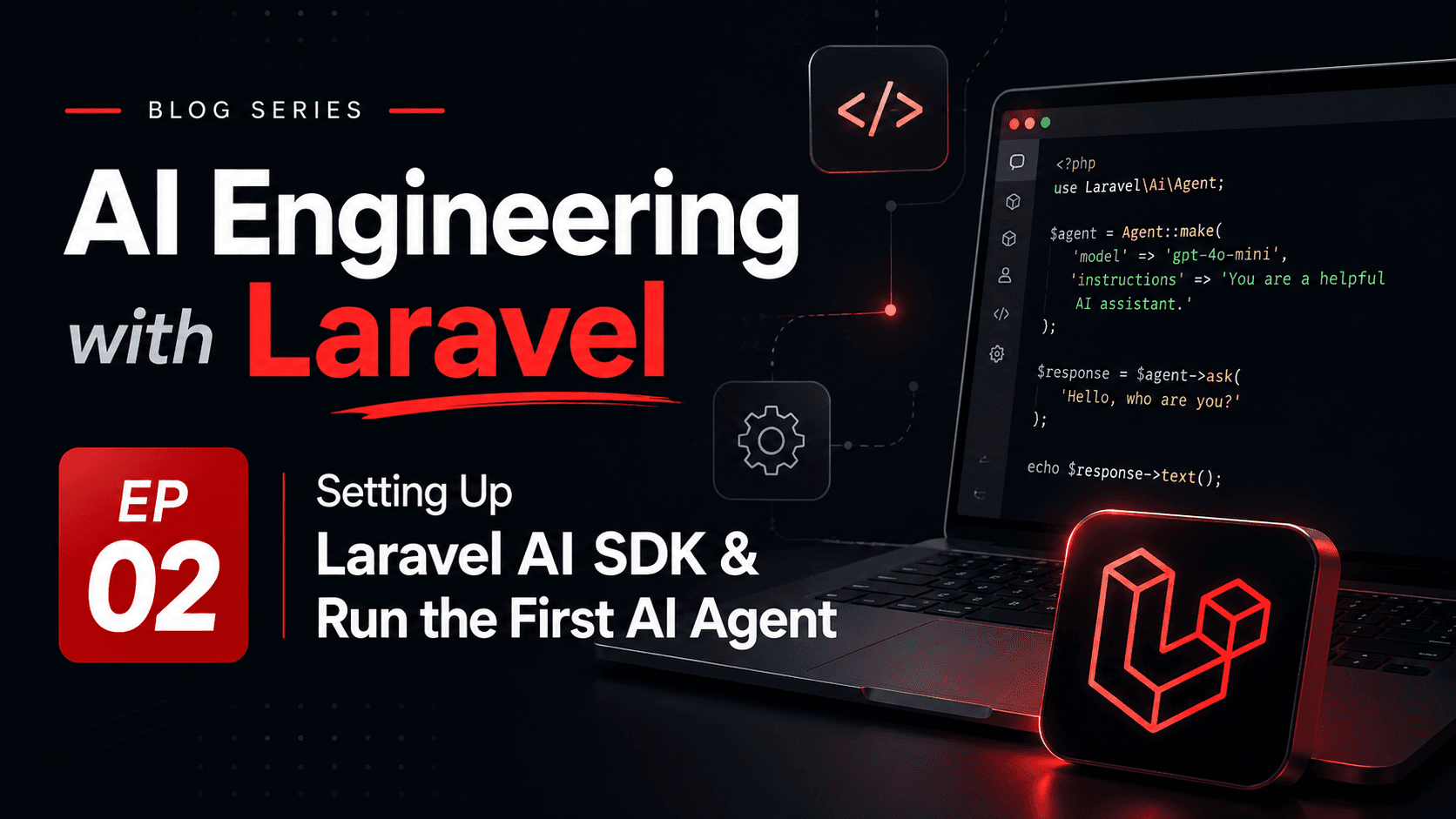
The Laravel AI SDK is Laravel’s first-party package for building AI-powered application features without turning your codebase into a collection of provider-specific HTTP calls. It gives Laravel developers one consistent place to configure providers, define agents, call models, use tools, request structured output, and track usage.
The important mental shift is this: the SDK is not the product feature by itself. It is the integration layer. Your Laravel application still owns the use case, authorization, validation, persistence, queues, logs, and user experience. The SDK gives you a Laravel-native way to connect those responsibilities to AI providers.
What the Laravel AI SDK Gives You
Before the SDK, many Laravel applications integrated AI with raw HTTP clients, direct provider SDKs, or small wrapper services. That works for a prototype, but it becomes messy once the product needs multiple providers, conversation context, structured output, tools, streaming, cost tracking, testing, and failover.
Provider abstraction
Your application can work with providers such as OpenAI, Anthropic, Gemini, Groq, Mistral, DeepSeek, xAI, Ollama, Azure OpenAI, OpenRouter, and OpenAI-compatible endpoints through a consistent Laravel API.
Agents
An agent packages instructions, context, tools, model configuration, and optional output schema into a dedicated PHP class instead of spreading prompts across controllers.
Structured output
When the application needs data rather than prose, the SDK can request schema-based output that Laravel can validate before using.
Tool access
Agents can use controlled tools, but the actual operation still goes through Laravel code where authorization and validation live.
Operational hooks
Usage data, raw responses, events, testing helpers, failover, streaming, and queues give the feature a production path instead of a demo-only shape.
Install the Package and Publish Configuration
A new Laravel AI SDK setup starts like a normal Laravel package: require the package, publish its configuration and migrations, then run migrations if you plan to use conversation storage.
composer require laravel/ai php artisan vendor:publish --provider="Laravel\Ai\AiServiceProvider" php artisan migrateThe migration step matters because SDK features such as remembered conversations need database tables. If your first feature is a stateless classification or summarization endpoint, you may not use conversation storage immediately, but publishing configuration early keeps provider and model choices visible.
Configure Providers Through Environment Variables
Provider credentials should stay in environment variables and configuration, not inside prompts, controllers, jobs, or agent classes. This keeps deployment, rotation, and provider switching manageable.
OPENAI_API_KEY=ANTHROPIC_API_KEY=GEMINI_API_KEY=GROQ_API_KEY=MISTRAL_API_KEY=OPENROUTER_API_KEY=OPENAI_COMPATIBLE_API_KEY=OPENAI_COMPATIBLE_URL=A useful first production habit is to define a default provider and model per environment. Local development may use a cheap or local model. Staging may use a stable low-cost model. Production may pin a specific model for predictable behavior and pricing.
Create a First Agent
The SDK’s main application-facing concept is the agent. An agent is a PHP class with a responsibility. For a first feature, imagine a SupportSummaryAgent that turns a long support message into a short internal summary.
php artisan make:agent SupportSummaryAgent<?php namespace App\Ai\Agents; use Laravel\Ai\Attributes\MaxTokens;use Laravel\Ai\Attributes\Temperature;use Laravel\Ai\Contracts\Agent;use Laravel\Ai\Promptable; #[MaxTokens(600)]#[Temperature(0.2)]class SupportSummaryAgent implements Agent{ use Promptable; public function instructions(): string { return <<<'PROMPT'You summarize customer support messages for an internal Laravel support team. Write concise summaries.Keep facts from the original message.Do not invent account status, payment state, or technical causes.If the message is unclear, say what is missing.PROMPT; }}Notice that the instructions describe the job and the boundary. The agent may summarize and identify missing information, but it must not invent account state or technical root cause. That kind of language is not decoration; it is part of the application contract.
Call the Agent from Application Code
A controller should not become the place where prompts, provider decisions, validation, persistence, and response formatting all mix together. Keep the HTTP layer thin and call a service or action that owns the use case.
<?php namespace App\Services; use App\Ai\Agents\SupportSummaryAgent;use App\Models\SupportTicket; class SummarizeTicket{ public function handle(SupportTicket $ticket): string { $prompt = <<<TEXTSummarize this support ticket for an internal support agent. Subject: {$ticket->subject}Message:{$ticket->message}TEXT; $response = (new SupportSummaryAgent)->prompt($prompt); return trim((string) $response->content); }}The prompt should contain only the data required for the task. If the summary does not need billing history, do not send billing history. If the user cannot access a record, the model should not receive that record either.
Use Anonymous Agents for Experiments Only
The SDK also supports anonymous agents through the `agent()` helper. This is useful for experiments, prototypes, and one-off internal scripts. For product features, a named class is usually easier to review, test, version, and observe.
use function Laravel\Ai\agent; $response = agent( instructions: 'You explain Laravel concepts to PHP developers.',)->prompt('Explain service containers in three bullet points.');Track Usage from the First Day
AI features create a new operational dimension: token usage. A feature can be correct and still be too expensive. The SDK response exposes usage information reported by the provider, including input tokens, output tokens, and totals.
$response = (new SupportSummaryAgent)->prompt($prompt); logger()->info('support_ticket_summary.generated', [ 'ticket_id' => $ticket->id, 'input_tokens' => $response->usage?->inputTokens, 'output_tokens' => $response->usage?->outputTokens, 'total_tokens' => $response->usage?->totalTokens(),]); return trim((string) $response->content);At minimum, log provider, model, prompt version, feature name, response time, token usage, validation result, and failure reason. Later, these logs answer practical questions: which customer costs the most, which prompt version became slower, which provider fails most often, and whether a cheaper model is good enough.
Design the First Feature Boundary
A good first Laravel AI SDK feature has a boring boundary. It accepts trusted application data, sends minimal context, asks for a limited result, validates or reviews that result, and stores enough metadata to debug it later.
- Authorization happens before the model call, not after.
- The prompt uses application data, not raw untrusted request payloads when avoidable.
- The output is treated as a draft, classification, suggestion, or structured result—not as a final business decision.
- The feature has a fallback when the provider times out or returns invalid output.
- The model and prompt version are visible in logs.
- Sensitive data is minimized before it enters the prompt.
For example, a ticket summary can safely fail by showing “summary unavailable” and letting the support agent read the original ticket. A payment decision cannot safely fail open. The first feature should teach the team how AI behaves without putting core business state at risk.
Where to Go After the First Agent
Once the first feature works, the next step is not automatically “more AI.” The next step is better engineering around the same narrow use case: structured output, tests, retries, provider failover, prompt versioning, queueing, and user feedback.
This episode gives you the first working shape: install the SDK, configure providers, create an agent, call it from Laravel code, and observe the result. In the next episode, we will go deeper into agents themselves: what belongs inside an agent, what belongs in Laravel services, how tools enter the loop, and how to keep agent behavior understandable as the feature grows.
ChatGPT assisted with rewriting, formatting and the Bangla translation of this article.